Pre-defined test setups
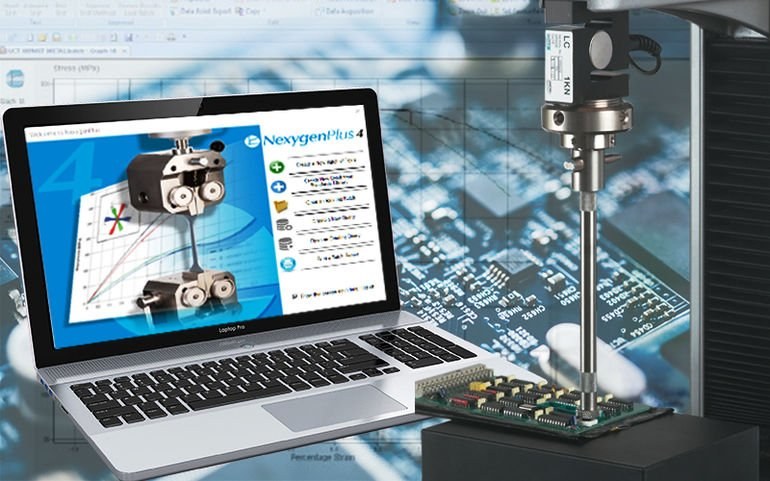
Like its predecessor, the Windows-based NexygenPlus 4.1 software can hold a vast library of pre-defined test setups. Selecting from these pre-defined test setups makes the software quick and easy to operate. It also ensures that test setup information and method integrity is kept and repeated. The user can also choose to create custom multi-stage tests for more complex or unique test requirements.
User Interface
New to the 4.1 version of the software is the intuitive user interface, which resembles the Microsoft Office user interface, to give its users a familiar feeling when they enter the software the first time. Additionally, the navigation has been simplified to improve the ease of use while maintaining the original advanced functionality that characterizes the popular NexygenPlus software.
Video capture and playback
Entire tests can be videoed and synchronized with the stress/strain data and replayed for detailed post-test analysis. A powerful optional security and audit trail module provide 100% traceability and the software provides full automation capacity for automatic testing.
A flexible software
The software interacts with Excel and Word and offers its user the possibility of automatically transferring test results directly to the organizations’ own templates without user intervention. Live graphs are available during testing, SPC data is continuously monitored, and built-in export utilities assist direct connection to LIMS systems.
A Complete Solution
The company says NexygenPlus 4.1 can be purchased as an upgrade to older versions, or as part of a complete solution including IQ/OQ and result calculation verification. Batch files used with previous versions of the software can be imported so existing customers can seamlessly transition to the new version.